Creating an effective home workspace is essential for anyone working remotely or spending significant time on personal projects. A well-designed area can improve your productivity and comfort, helping you stay motivated and efficient throughout the day. If you’re looking to optimize your home office setup without investing heavily in new equipment, these simple tips will guide you toward a better work environment.
Choose the Right Location
Find a Dedicated Space
Having a designated work area separates work from leisure. If possible, choose a quiet corner or room with minimal distractions. Even a small nook with a desk can work as long as you set clear boundaries for usage.
Consider Natural Light
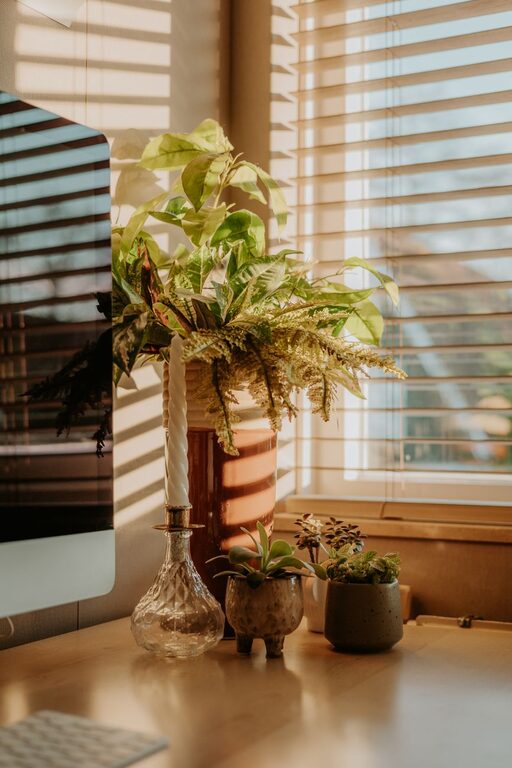
Place your workspace near a window to benefit from natural daylight, which can boost mood and reduce eye strain. Adjust curtains or blinds to avoid harsh glare on your computer screen.
Invest in Comfortable and Ergonomic Furniture
Select an Ergonomic Chair
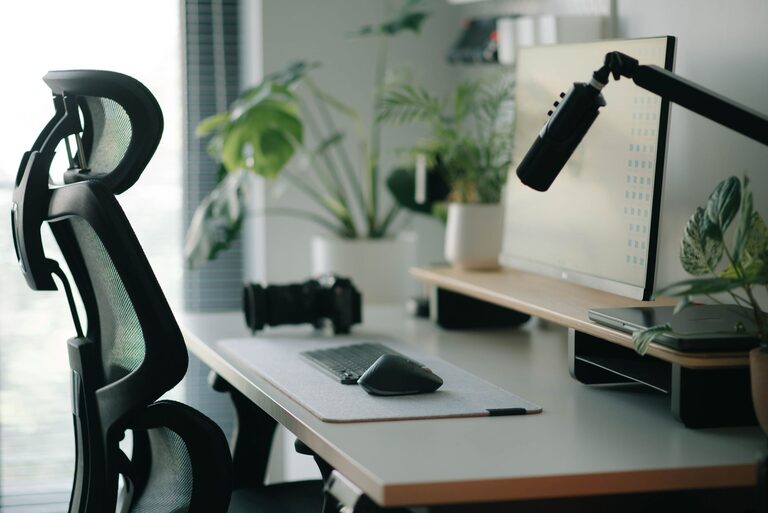
A chair that supports your back and encourages good posture reduces fatigue and discomfort. Look for adjustable height, lumbar support, and cushioning to maintain proper alignment during long hours of sitting.
Use a Suitable Desk
Choose a desk that fits your space while offering enough surface area for your computer, accessories, and notes. Standing desks or adjustable desks are great options if you want to alternate between sitting and standing.
Organize for Efficiency
Declutter Regularly
Keep your workspace tidy by removing unnecessary items. Clutter can cause distractions and reduce focus. Use drawers, boxes, or organizers to store essentials out of sight.
Utilize Storage Solutions
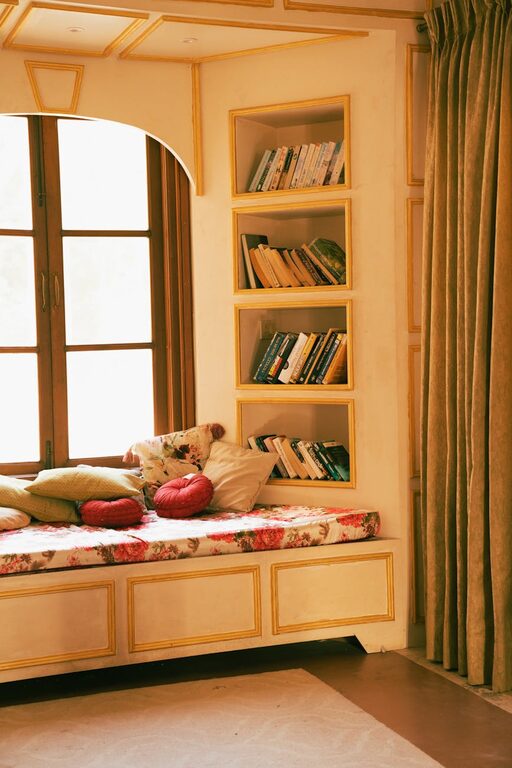
Shelves, filing cabinets, and desk organizers help keep documents and supplies neat and accessible. Assign specific places for everything to streamline your workflow.
Optimize Your Technology Setup
Arrange Your Devices Ergonomically
Position your monitor at eye level and about an arm’s length away to reduce neck and eye strain. Use a keyboard and mouse that feel comfortable and responsive to minimize fatigue.
Enhance Connectivity
Ensure your internet connection is stable and fast. Use wired connections if possible, or invest in a reliable Wi-Fi extender to avoid disruptions during video calls or downloads.
Manage Lighting and Ambience
Balance Artificial and Natural Light
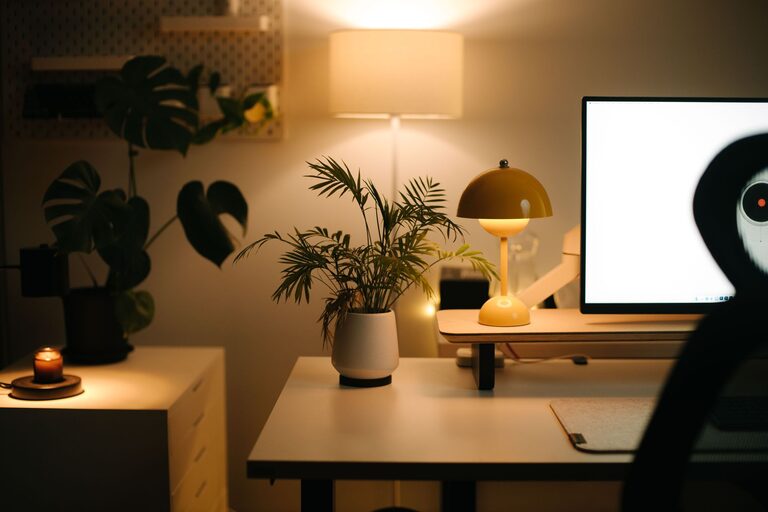
Use desk lamps with soft, adjustable lighting to complement natural light. Avoid harsh overhead lights that cause glare and shadows.
Personalize Your Space
Add elements such as plants, artwork, or motivational quotes to create a welcoming atmosphere. A pleasant environment can improve mood and creativity.
Prioritize Comfort and Health
Take Regular Breaks
Set reminders to stand up, stretch, or walk around every hour. This prevents stiffness and maintains circulation.
Maintain Good Air Quality
Keep a window open or use an air purifier to ensure fresh air. Proper ventilation supports focus and prevents fatigue.
Control Temperature
Adjust heating or cooling to maintain a comfortable temperature. Dress in layers to easily adapt throughout the day.
Establish Work Habits for Focus
Set Clear Work Hours
Define when your workday starts and ends to maintain a healthy work-life balance. Communicate these boundaries to family members or housemates.
Use Noise Management Tools
If background noise is an issue, try noise-cancelling headphones or white noise apps. These can improve concentration, especially in busy households.
Plan Your Day
Use to-do lists or productivity apps to organise tasks and priorities. Breaking your work into manageable chunks can increase efficiency.
Final Thoughts
Improving your home workspace doesn’t require a complete overhaul. By making thoughtful adjustments focused on comfort, organisation, and good habits, you can create an environment that supports your productivity and well-being. Start with these simple steps and tailor your setup to what works best for you. A better workspace leads to better results and a more enjoyable workday.